
The Ultimate EasyAim Setup for Call of Duty

If you’re playing Call of Duty—whether it’s Warzone or Multiplayer—you already know that aim consistency is everything. Winning gunfights comes down to precision, tracking, and how well you can take advantage of aim assist mechanics.
In this guide, we’ll show you how to optimize your in-game settings and combine them with EasyAim to consistently win more fights and secure higher kill games.
Step 1: Optimize Your In-Game Settings
Before using any external tools, your in-game setup needs to be dialed in.
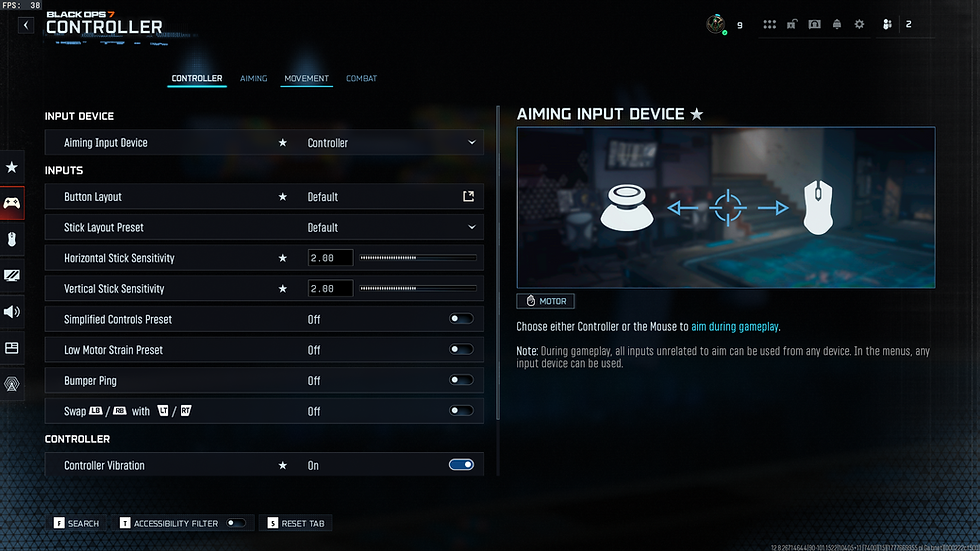
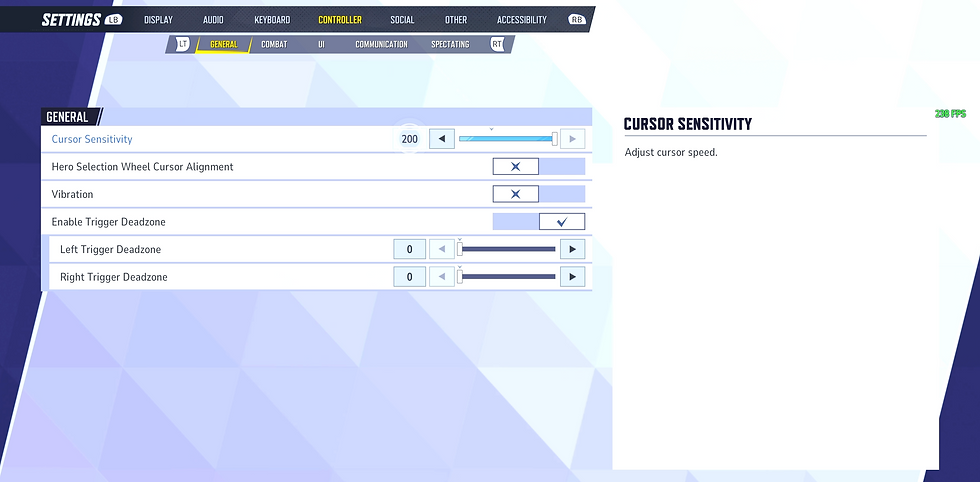
Use the recommended settings from our reference screenshots (excluding sensitivity). These are configured to maximize how aim assist behaves during engagements—especially in close to mid-range fights.
When it comes to sensitivity, there’s no universal “best” value. However, we strongly recommend pushing it as high as you can comfortably control. A higher sensitivity allows for faster target acquisition and better tracking—if you can maintain accuracy.
Key focus:
Find your personal maximum sensitivity
Maintain control during fast engagements
Avoid over-adjusting or inconsistent tracking
With the correct base settings, your aim will already feel more responsive and controlled.


Once your in-game setup is optimized, EasyAim takes your performance further by enhancing how aim assist works in real scenarios.
With the correct EasyAim configuration, you can:
Improve target lock consistency
Smooth out your tracking
React faster in close-range gunfights
Reduce missed shots under pressure
This creates a noticeable difference, especially in high-intensity situations where small adjustments decide the outcome.


Anti-Recoil: When to Use It
Call of Duty weapons can vary significantly in recoil behavior.
For most meta weapons, EasyAim’s core features are already enough. However, if you’re using high-recoil loadouts, enabling anti-recoil can help stabilize your shots and maintain accuracy during sustained fire.
Use it when needed—but don’t over-rely on it.
EasyAim is built for players who want consistency and control—not guesswork.
By combining optimized in-game settings with EasyAim, you create a setup that:
Maximizes aim assist efficiency
Improves overall accuracy
Helps you win more gunfights
Leads to higher kill games and better performance
If you’re serious about improving in Call of Duty, this setup isn’t optional—it’s your advantage.
Comments